

Segway and Ninebot scooters are great on normal days, and then an error code pops up and ruins the ride. The tricky part is that the same number can point to different issues on different models. So, treat any “error codes list” as a starting point, then confirm in your manual and in the Segway Ninebot app for your exact scooter.
This guide focuses on the codes people search for the most: Ninebot error 18, Segway Ninebot error code 15, Segway Ninebot error code 14, Segway Ninebot error code 21, and Segway error code 42. You will get a simple path to follow, and then model notes where official docs call them out.
Safety first. Know when to stop right now
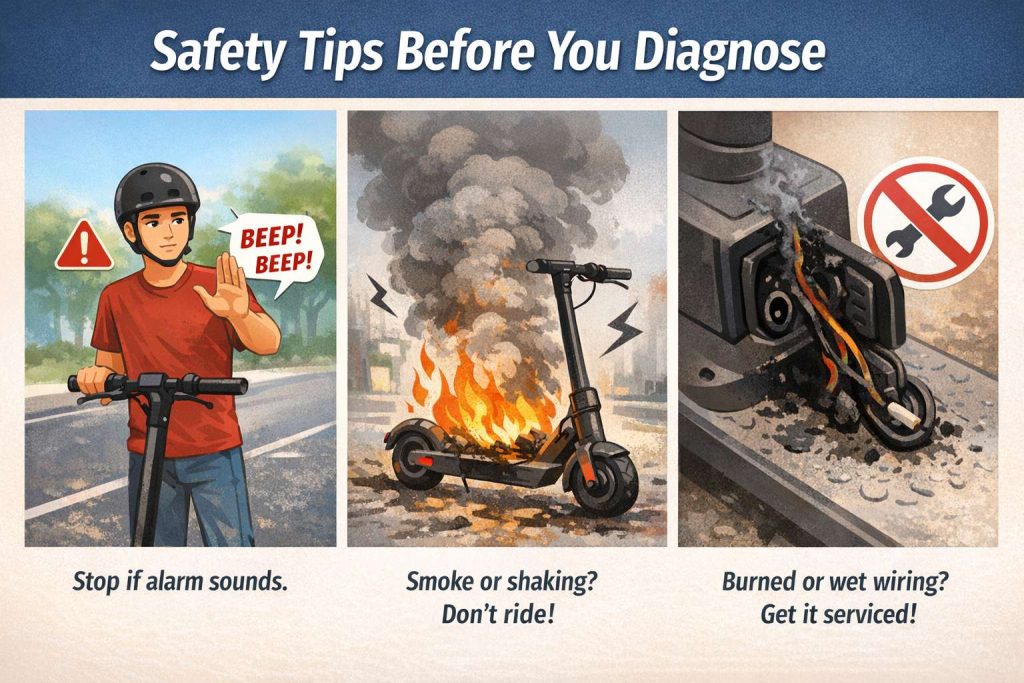
If your scooter beeps, shows an alarm, or behaves in a way that feels wrong, stop riding. Then check it in the app and do not push your luck. Manuals tell riders to stop if the scooter signals an alarm or makes abnormal sounds, and then diagnose via the app or contact service.
Stop and do not ride if you notice any of these:
- Smoke, burning smell, melted plastic, or hot spots around the deck or charging area.
- Water inside the deck, wet wiring, or corrosion around connectors.
- Sudden power cutouts, harsh vibration, or the wheel locking.
Set the scooter on a flat surface, power it off, and let it cool for at least 30 minutes if it feels hot. Then move into the quick triage steps.
Quick triage checklist that works for most Segway Ninebot codes
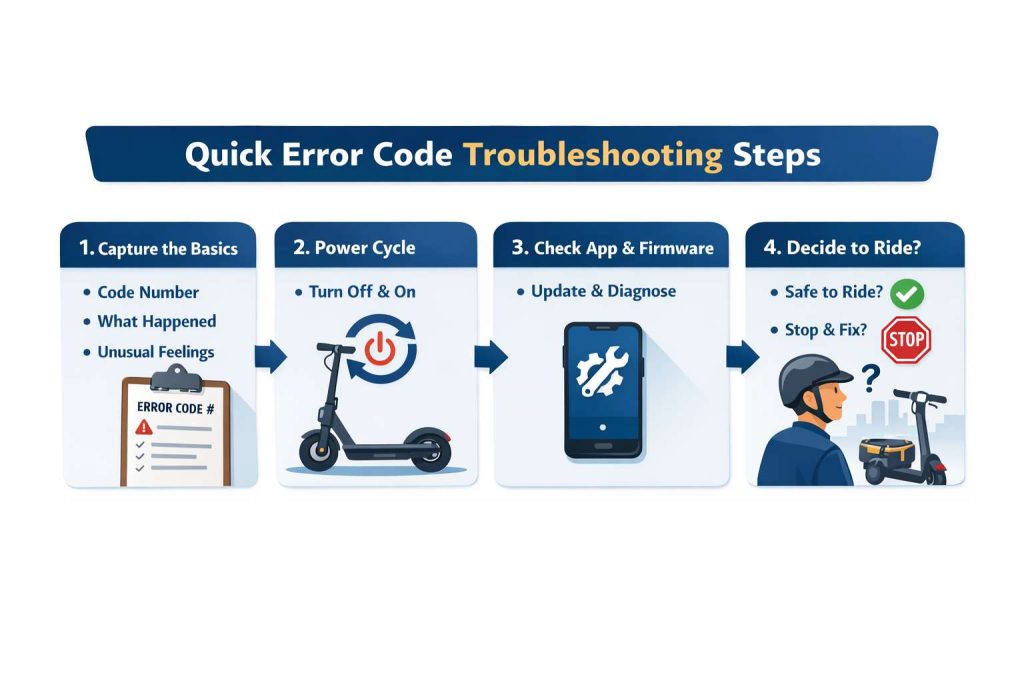
Most riders want a fix fast. That is fair. Still, error codes usually come from one of three buckets: controls, motor, or battery and communication. So, start with the basics, then narrow it down.
Step 1. Capture what the scooter is telling you
Write down:
- The code number on the display.
- What you did right before it happened, for example hard braking, starting from a stop, or riding up a hill.
- Any beeps and the pattern, if your model uses beeps. Some official troubleshooting docs describe long and short beep patterns for specific codes.
Step 2. Power cycle the scooter
Turn it off. Wait 30 to 60 seconds. Turn it on again. Then check if the code returns.
Step 3. Check the Segway Ninebot app, then check firmware
Many manuals point riders to the app for updates, activation, and safety instructions. So, pair the scooter, open vehicle details, and look for any firmware update prompt.
Step 4. Decide if it is safe to test ride
If the scooter accelerates on its own, has brake issues, or shows battery communication errors, do not ride it in traffic. Test only in a safe area, at walking pace, or stop and book service.
Error code 14. Throttle or control input problem
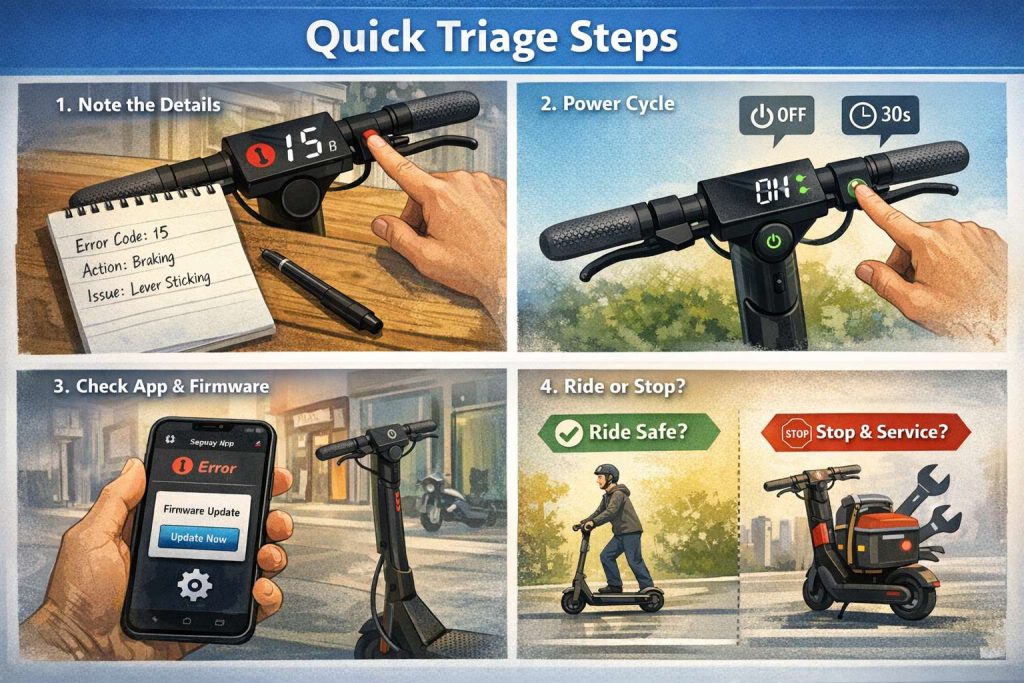
On some Segway Ninebot models, error code 14 is linked to a throttle related fault in official troubleshooting material.
Try this first:
- Inspect the throttle for physical sticking. Dirt, grit, or a bumped housing can make it feel “half pressed.”
- Turn the bars left and right, then recheck throttle movement. Cable routing that binds can trigger odd input readings.
- Power cycle, then recheck in the app.
If the throttle still feels wrong, stop riding. A throttle input fault is not a “ride home slowly” type of problem. It can jump to power in a way you do not expect.
Error code 15. Brake lever signal issue
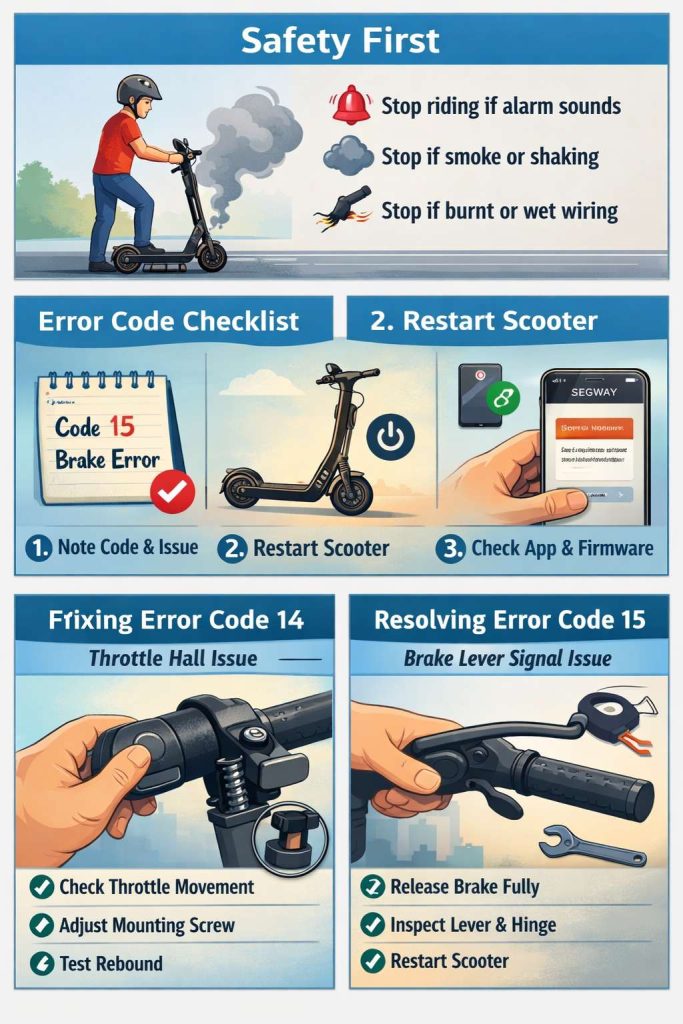
On some models, error code 15 is tied to a brake lever signal issue in official troubleshooting guidance.
Common real-world causes:
- The brake lever does not fully return.
- The brake sensor reads “brake on” all the time.
- A connector between brake lever and controller is loose.
Safe checks you can do:
- Pull and release the brake lever a few times, then confirm it snaps back cleanly.
- Look for a bent lever, sticky hinge, or debris near the pivot.
- Power cycle, then check if the error returns.
If the lever feels sticky or the scooter cuts power every time you touch the throttle, stop and get it inspected. Brakes and throttle share safety logic. When the scooter thinks you are braking, it can limit power, and that behavior can feel random.
Ninebot error 18. Two common meanings, so check your model
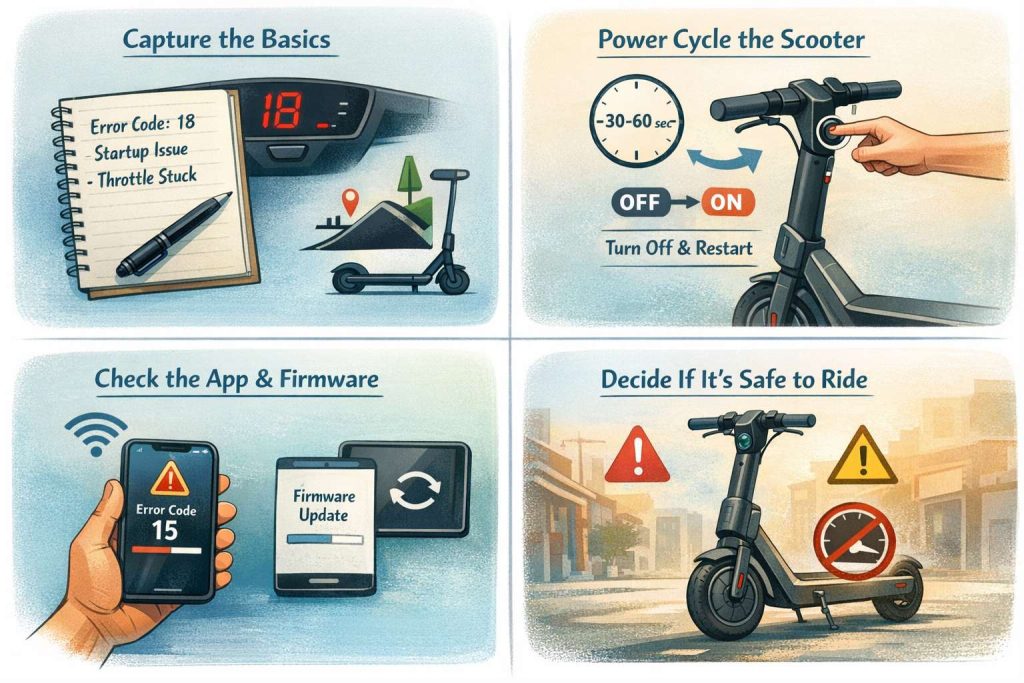
This is where many guides get messy. Error 18 can mean different things on different Segway Ninebot product lines.
Meaning 1. “Too much battery power” on some P-Series actions
In the Ninebot KickScooter P100S user manual, warning code 18 can show up during a specific handlebar related procedure, and it indicates the scooter has “too much battery power.” The manual says to discharge the battery through riding and try again later.
So, if you see code 18 in a situation like that:
- Ride in a safe area and bring the battery level down.
- Then retry the procedure later.
Meaning 2. A hardware fault on other models
On other models, riders report code 18 during start up or during riding. In that case, treat it like a serious fault until you confirm your model’s definition.
Do these steps:
- Power cycle.
- Open the app, check diagnostics, and check firmware updates.
- If it returns right away, stop riding and contact service.
If your scooter will not power on after sitting for days, check for battery sleep behavior too. For example, the P100S manual states the battery can enter sleep mode after a period of inactivity at low battery, and then charging briefly can activate it.
Segway Ninebot error code 21. Battery communication error
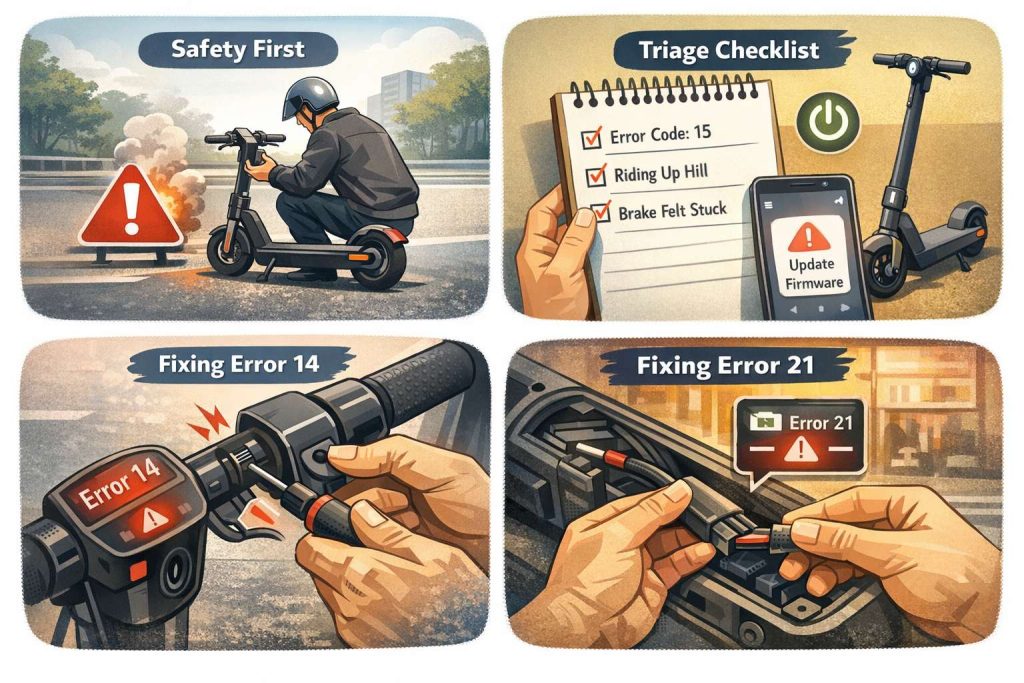
On some models, official troubleshooting material describes error code 21 as a battery communication error. The same doc suggests checking for a loose connection between the battery and the controller, then reinserting the connection cable.
What you can do safely:
- Stop riding.
- Power off.
- If your model has an external battery connector access panel that your manual allows you to check, inspect for a loose plug. Then reseat it.
What you should not do:
- Do not open sealed battery packs.
- Do not probe battery pins.
- Do not keep riding to “see if it clears.” Communication errors can turn into sudden shutoffs.
If error 21 stays, service is the right path. The official troubleshooting flow points to battery replacement steps after connector checks, and that is not a DIY task for most riders.
Segway error code 42. Battery or power related alarm on some models
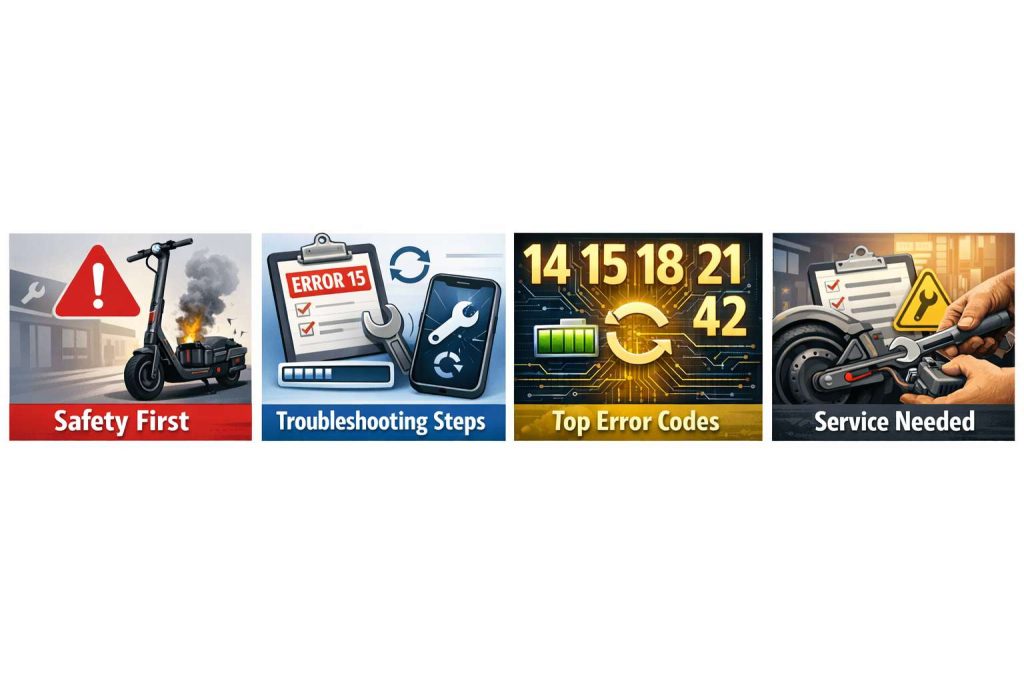
On some Segway Ninebot models, official troubleshooting material lists error code 42 in a battery and power context. The exact meaning and fix steps depend on model.
A safe path that fits most cases:
- Stop riding.
- Let the scooter cool if it feels warm.
- Charge with the original charger in a dry indoor space.
- Check the app for alerts and firmware updates.
If code 42 appears after water exposure, treat it as a service issue. Water and battery systems do not mix well, and corrosion can cause intermittent errors that come back days later.
A simple “ride or stop” rule that keeps you out of trouble
If the code points to brakes, throttle, battery communication, or power system, stop and fix first. If the code points to speed limits or overload warnings, you may be able to reduce load and continue slowly. Still, confirm your manual for your model.
A useful example from the P100S manual: warning code 07 is described as a temporary power system overload warning that can recover after a short time. That gives you a clue about how Segway writes “warnings” versus “faults” on at least one product line.
Keep error codes from coming back
This part is not exciting, but it works.
Do these checks weekly:
- Tire pressure check, then a short brake lever check.
- Stem and handlebar tightness check.
- Cable rub points check near the folding joint.
Then keep mods safe. If you like upgrades, read this first and skip the risky stuff:
Safe electric scooter mods vs dangerous hacks. the upgrades worth doing and the ones to skip